
MIDI to Audio Converter – MIDI to MP3, WAV & FLAC

MIDI to Audio Converter turns your MIDI files into real audio: MP3, WAV, FLAC, M4A, AAC, OGG, Opus and AIFF.
Everything is rendered on your device by a SoundFont synthesizer. It works offline, and your files never leave your device. Batch-convert whole folders, pick a soundbank, add reverb – or just listen with the live player, mixer and falling notes.


Features
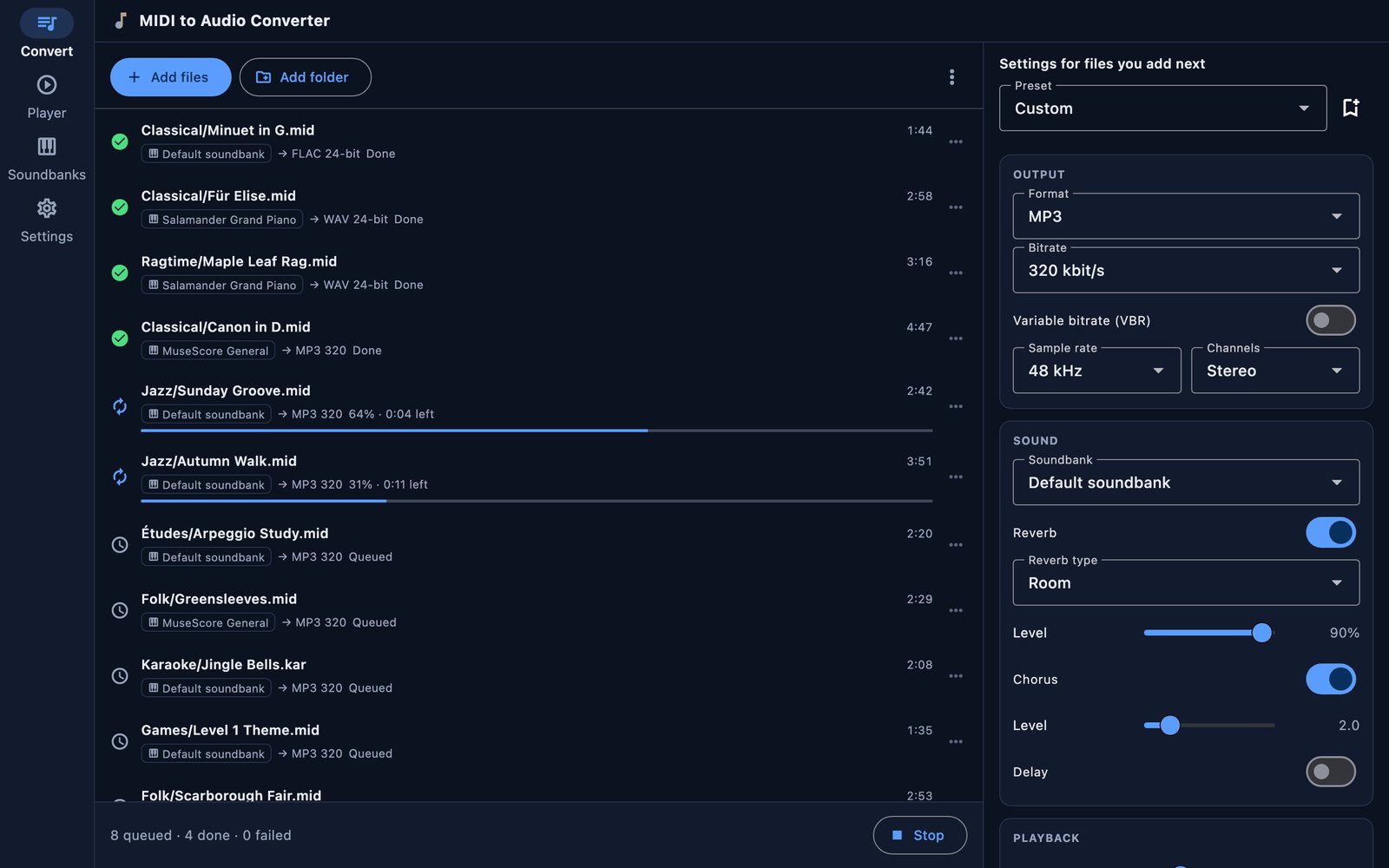
Batch converter
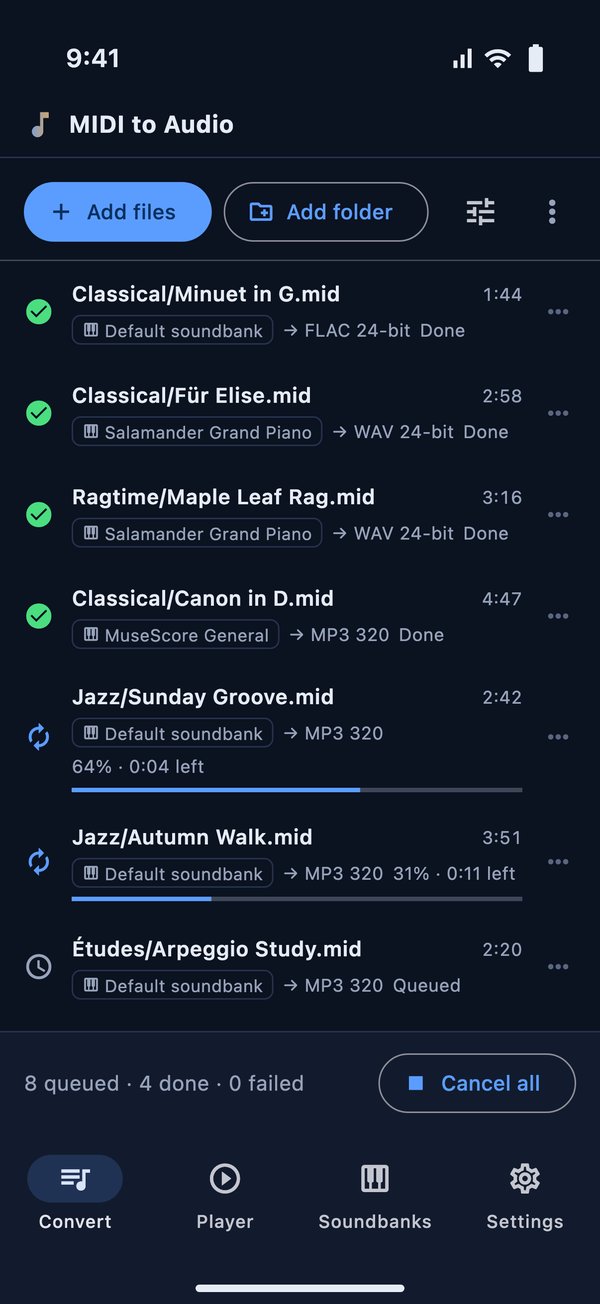
- Add single files or whole folders including subfolders (drag and drop on Mac and Windows)
- Converts several files in parallel, with progress and time left for each file
- Choose the format, bitrate or bit depth, sample rate (22.05 to 96 kHz) and mono or stereo
- Keep the folder structure and name the files with a template
- Safe by design: your MIDI files are only read and existing files are never overwritten
- Save your favourite settings as presets
Sound
- Built-in GeneralUser GS soundbank, ready to go
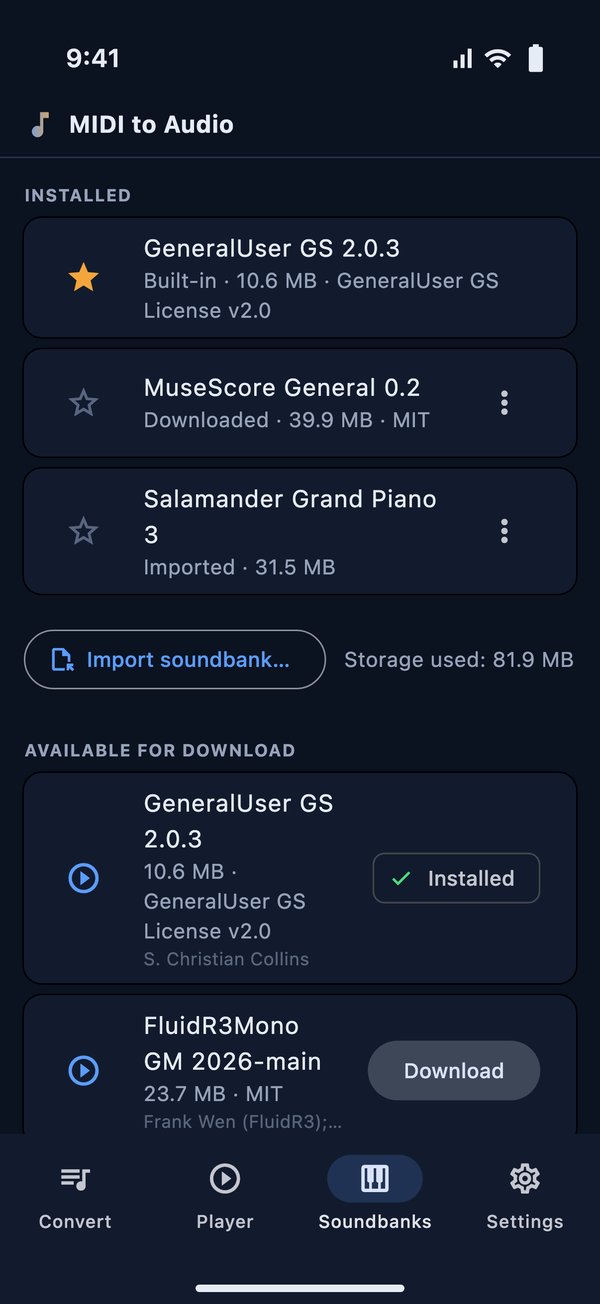
- Download more free soundbanks in the app, or import your own SF2 and SF3 files and TiMidity GUS patch sets (e.g. EAW) as a zip
- Reverb (room, hall, plate, cathedral), chorus and delay
- Tempo from 25 % to 300 %, transpose by ±24 semitones, speed (tempo and pitch together, like a turntable)
- Loudness normalisation (−14, −16 or −23 LUFS), volume, fade-out and natural reverb tails
- Trim the start and the end
Live player
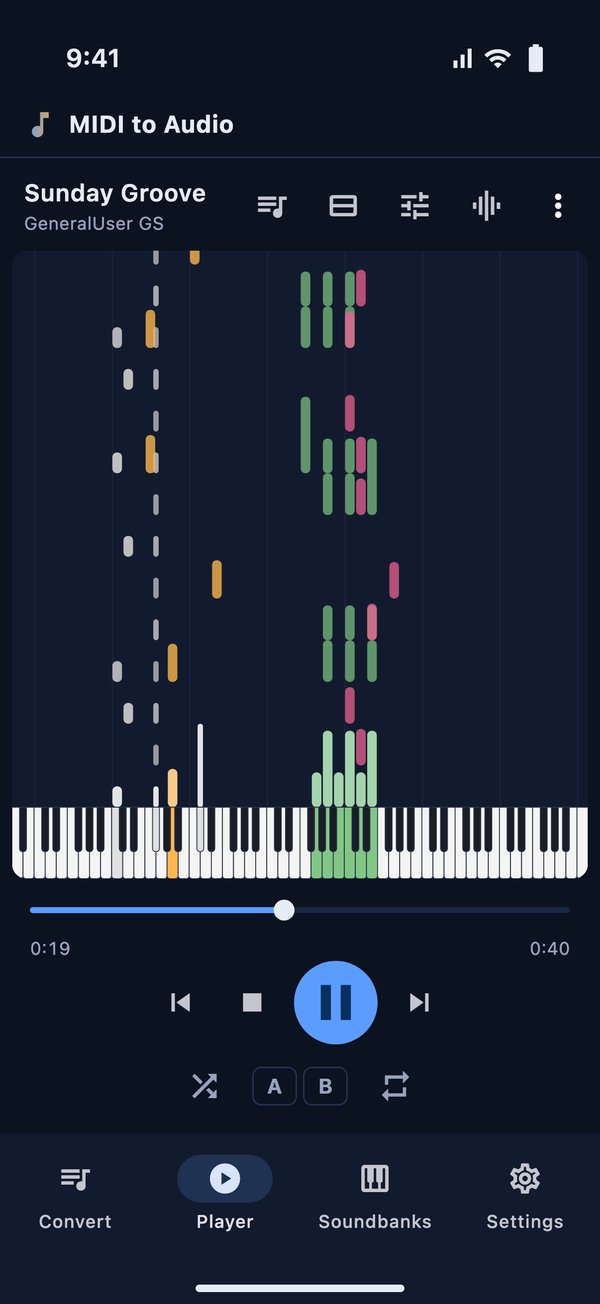
- Play MIDI files through any soundbank, with falling notes or a piano roll and an 88-key keyboard
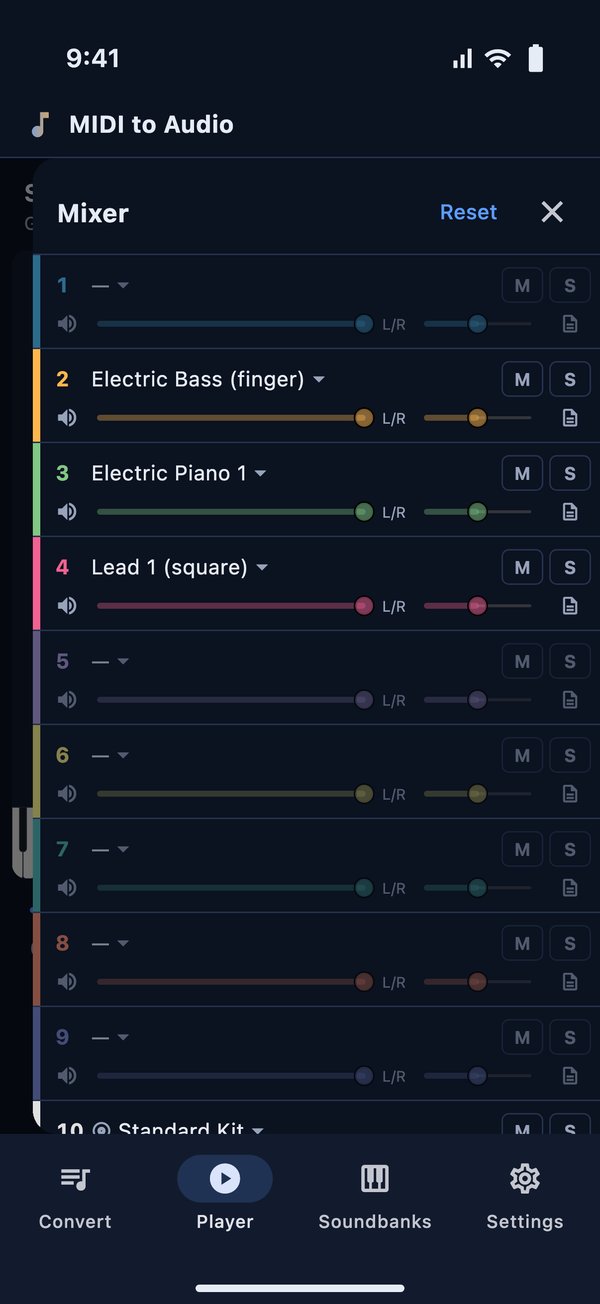
- 16-channel mixer: mute, solo, volume, pan and instrument for every channel, drum kit selector
- A/B loop, playlists, shuffle and repeat
- Karaoke lyrics for .kar files
- Change the soundbank, effects, tempo and transposition while you listen, then save the result as an audio file
Private and offline
- All conversion happens on your device – no upload, no waiting for a server
- Works without an internet connection
- Opens .mid, .midi, .kar and .rmi files (Standard MIDI File type 0 and 1)
- No ads, no account, no tracking
Output formats:
MP3WAVFLACM4AAACOGGOpusAIFFScreenshots
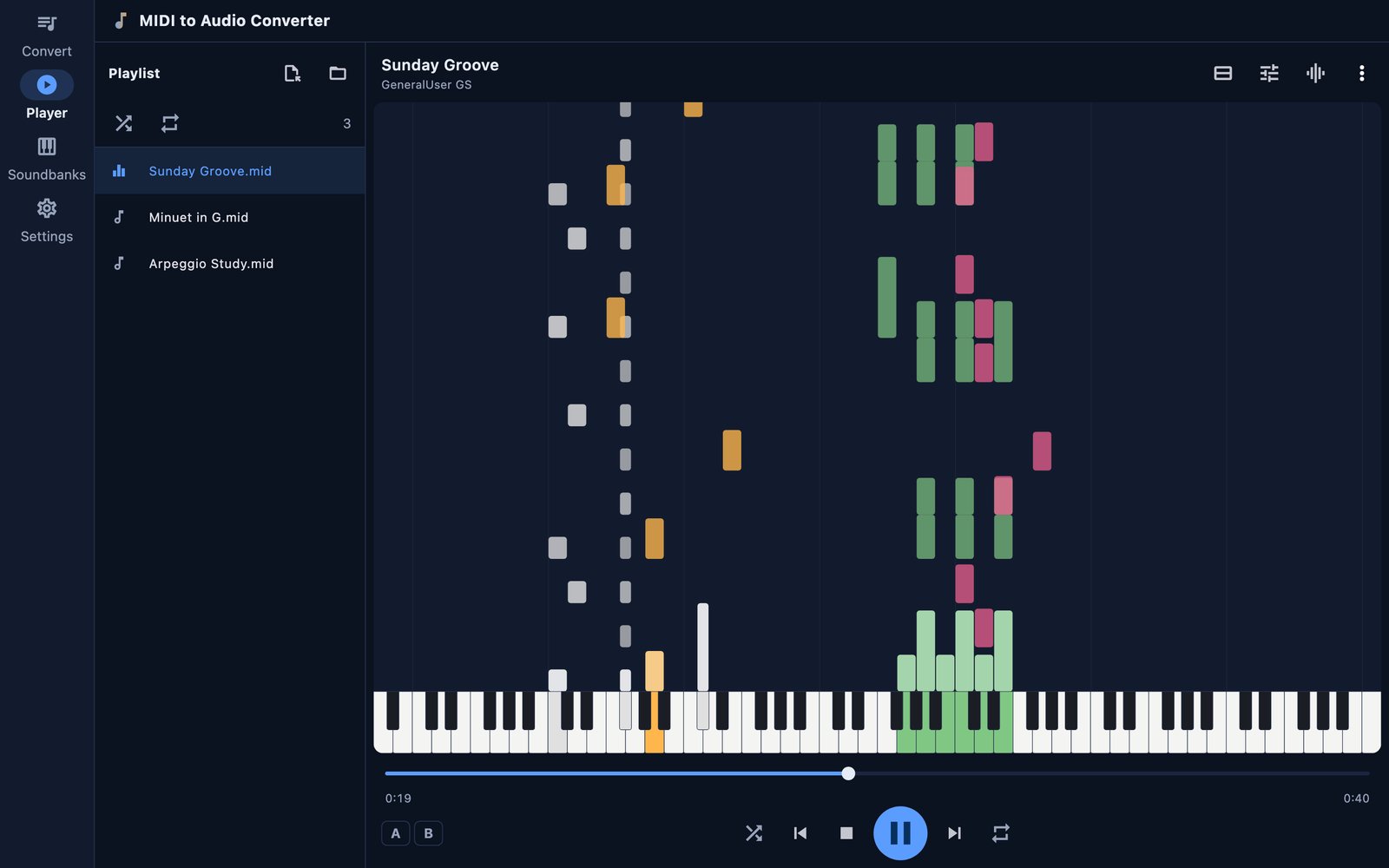
Live player with falling notes
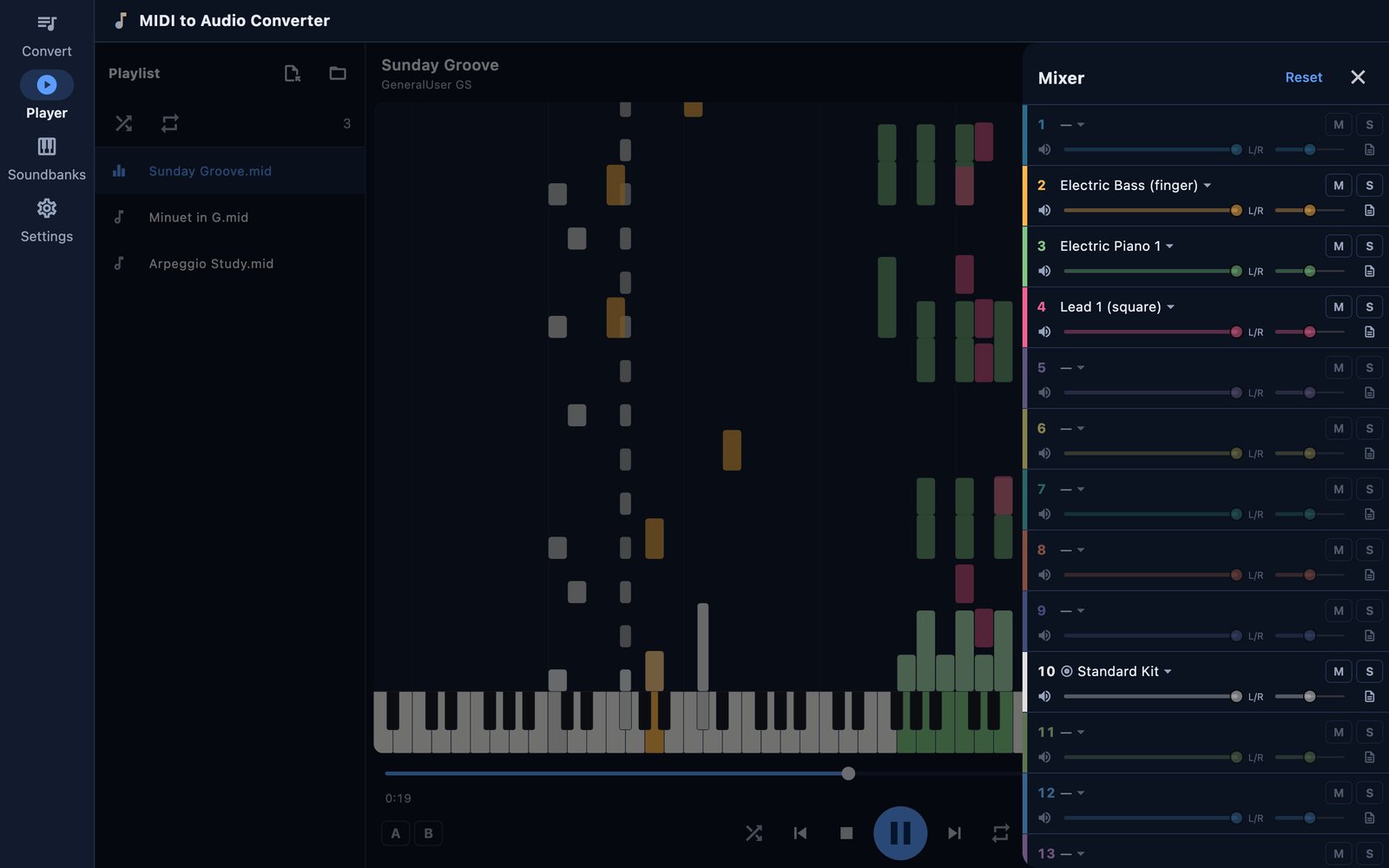
16-channel mixer
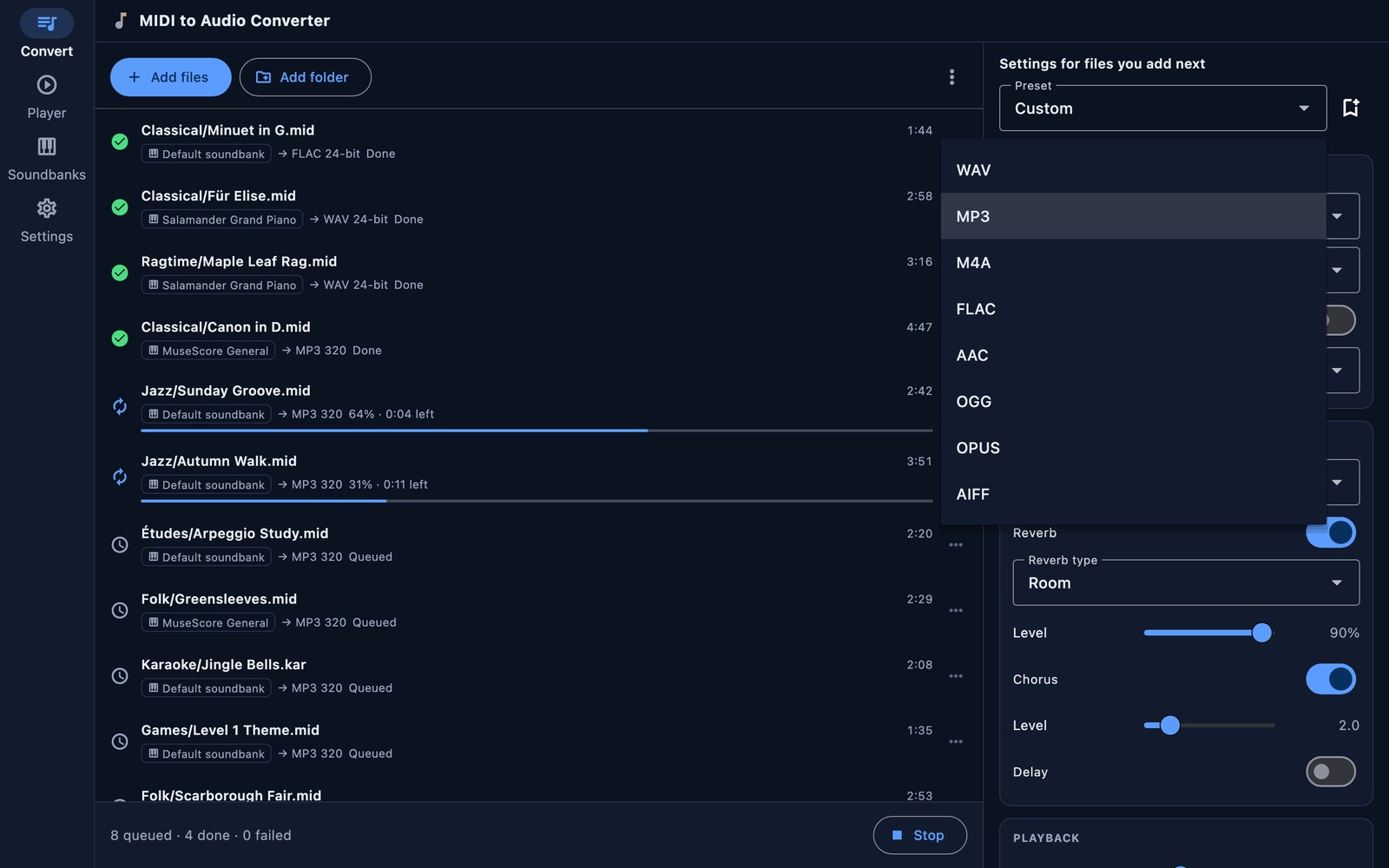
Output formats
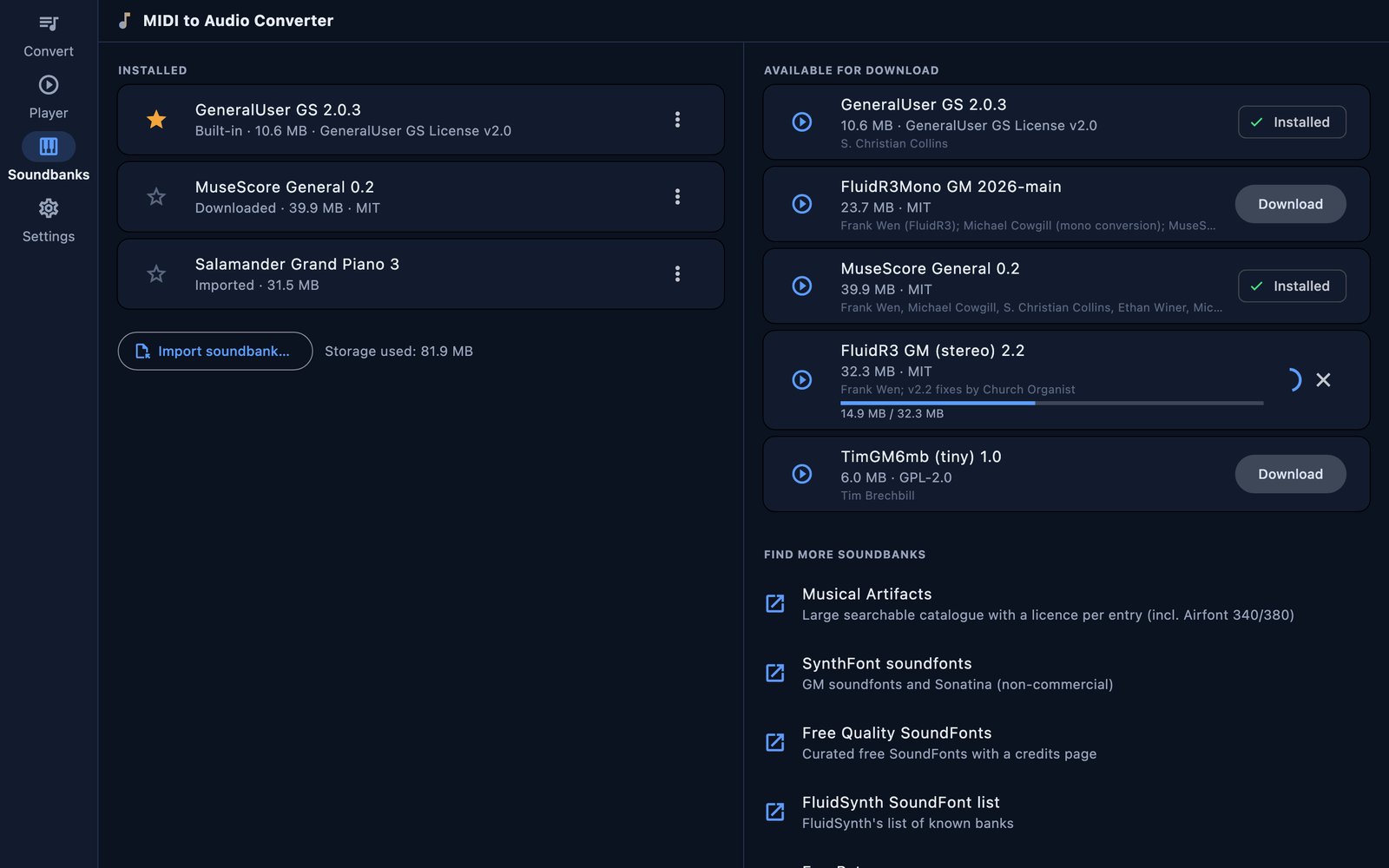
Free soundbanks
Free demo and full version
Try everything for free. In the demo, playback and conversion stop after 20 seconds per file, and effects, tempo and pitch changes are locked.
- Windows & macOS: buy the full version once with the button below. You get the download link and your serial number by email.
- iPhone, iPad and Android: unlock the full version in the app with a monthly subscription or a one-time purchase. Both unlock exactly the same features.
Get MIDI to Audio Converter
Convert your MIDI files to MP3, WAV, FLAC and more – offline, on your device.
Privacy policy and terms
MIDI to Audio Converter renders your files on your device and does not upload them. Please see the privacy policy and the terms of use.